
9 QR Code Ideas for Small Businesses (and When Not to Use One)
A practical way to choose useful QR codes for reviews, Wi-Fi, menus, bookings, contact details, events, and repeat business.
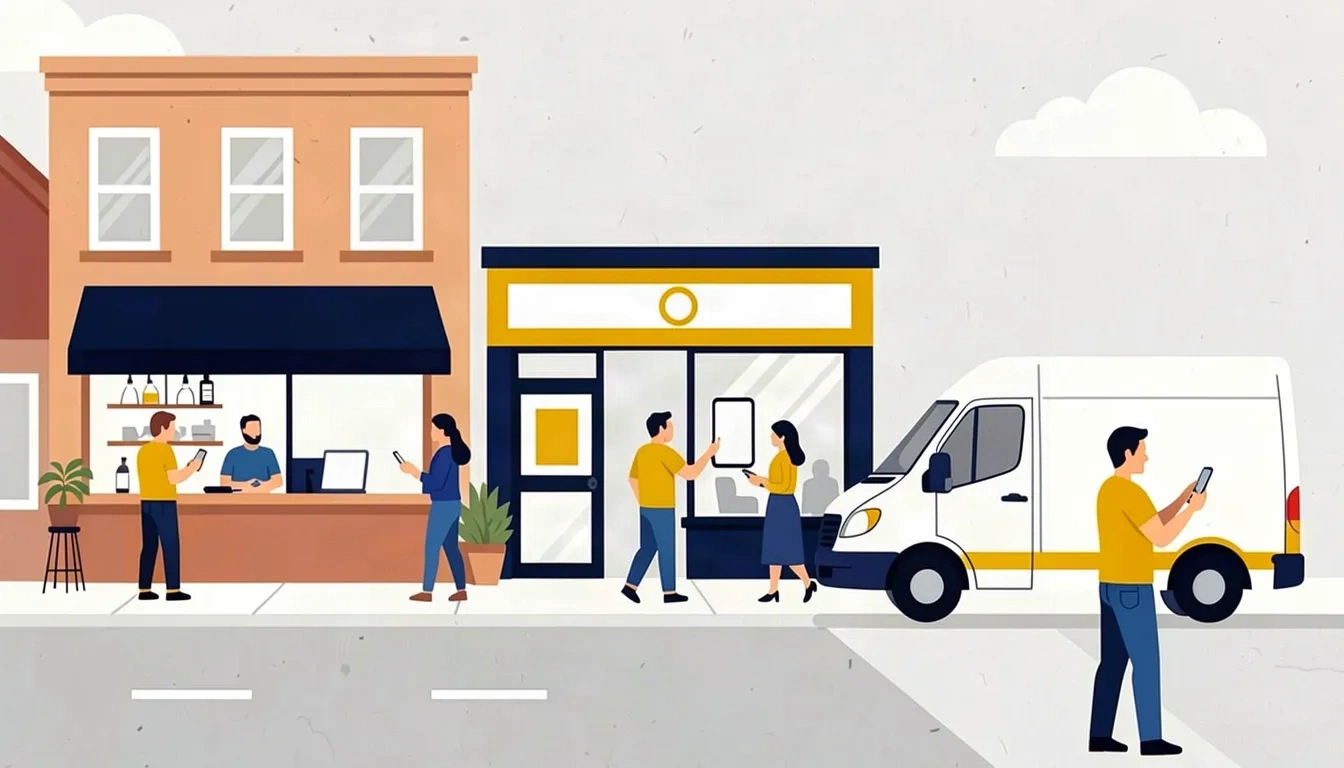
You probably don’t need a QR code on every counter, window, flyer, and coffee cup. Two useful codes beat twelve vague ones. The test is straightforward: can you finish the sentence “Scan this to…” with one specific action?
Current iPhones and Pixel phones can scan QR codes from their camera apps, according to Apple and Google’s Pixel help. The scan itself is familiar. The harder part is earning it with a useful promise and a page that works well on a phone.
Use this decision map first
| Customer moment | Best next step | Code type |
|---|---|---|
| Waiting in your space | Join guest Wi-Fi | Wi-Fi |
| Ready to order | Open a mobile menu or order page | Menu |
| Happy after a purchase or job | Leave an honest review | Website link |
| Comparing availability | Book or request a quote | Website link |
| Finishing a conversation | Save your contact details | Contact card |
| Looking at an event flyer | Add the date to a calendar | Event |
| Holding a product | See care, setup, or reorder details | Website link |
| Meeting your team at a booth | Open one focused business profile | Profile |
Nine QR code ideas that earn the space
Ask for an honest Google review
Put the code at the end of a real customer experience: on a receipt, paid invoice, checkout card, or service leave-behind. Link directly to the correct review form and say what the scan does. Our Google review QR guide covers the exact setup and policy limits.
Let guests join Wi-Fi without typing the password
This is useful in cafes, salons, waiting rooms, studios, vacation rentals, and offices. Place it where a guest would naturally ask for access. Use a separate guest network, and treat the printed sign like the password itself: anyone who can see it can scan it.
Open a menu or ordering page
Send people to a page designed for a phone. A two-column print PDF usually turns into a pinch-and-zoom chore. Keep a readable physical menu available too. A QR option can be convenient without making it the only way to see prices or order.
Send a prospect to the right booking or quote form
A contractor’s yard sign might open a project-specific estimate form. A salon window can open the booking calendar. A dog groomer’s leave-behind can open the next-appointment page. Skip the generic homepage when a deeper page already matches the customer’s intent.
Save a real person’s contact details
A vCard code works on a business card, name badge, proposal folder, or service vehicle. Include the details someone would actually save: name, role, phone, email, and company. Don’t cram every social account into a contact card just because the fields exist.
Add an event to the customer’s calendar
Use this on a class flyer, open-house sign, market poster, school handout, or community event card. Put the event name, date, time, location, and a short description in the code. Print the date on the flyer too. The scan is the shortcut, not the only source of truth.
Give product care, setup, or reorder instructions
A pottery studio can link to care instructions. A landscaper can leave seasonal watering notes. A bakery box can open allergen details or a reorder page. The page should answer the question that comes with the item in hand, not drop the customer at the top of your site.
Continue one specific offer from print
A mailer or window card can link to one offer with the same headline, terms, and deadline. “Scan for this week’s lunch special” is clearer than “Scan for more.” Keep the printed URL nearby as a fallback, especially on a piece someone may keep.
Share a focused profile when several links are genuinely useful
A profile page makes sense for a market vendor, solo professional, community organization, or booth team when the visitor may need contact details, a site, and one or two social links. Keep the choices short. A page with fifteen buttons simply moves the decision problem from the sign to the phone.
When a QR code is the wrong tool
- A clickable link is already available. Use the link in an email, text, or web page.
- The information is essential. Don’t hide a price, safety warning, address, or accessibility information behind a scan.
- The person would need to scan while driving. Put the short URL or phone number on the vehicle or roadside sign instead.
- The destination has no owner. If nobody will keep the page current, don’t make the printed piece depend on it.
- The promise is vague. “Scan me” tells the customer what to do but gives them no reason to do it.
Static or dynamic?
Pick QR Code creates static codes. The website address or other data is stored directly in the code, so there is no redirect account to renew. Static is a good fit when the destination is stable: your menu URL, booking page, guest Wi-Fi, or contact details.
A dynamic code points first to a redirect service. That can let you change the destination or collect scan analytics after printing. It also means the printed code depends on that provider, account, and plan. If you choose dynamic, document the owner, renewal cost, login, and fallback URL before a large print run.
A 15-minute rollout beats a giant QR strategy
- Pick one customer moment where a phone would save time.
- Choose one useful destination that already works on mobile.
- Write the call to action before you make the code.
- Generate and print one proof at the final size.
- Ask a person who did not build it to scan and explain what happened.
- Put it in one location for a week, then decide whether it earned a permanent spot.
Common questions
What is the best QR code idea for a small business?
The best first code solves a task customers already have at a physical moment. Guest Wi-Fi, a direct booking page, a mobile menu, contact details, or an honest review request are strong starting points when they match the setting.
Should a business QR code go to the homepage?
Usually, a more specific page is better. Send the customer directly to the menu, booking form, review page, care guide, or offer named beside the code.
Do I need a dynamic QR code?
Use a dynamic code when changing the destination or collecting scan analytics is worth depending on a redirect provider. A free static code is simpler when the destination is stable.
What should I print beside a business QR code?
Finish the sentence “Scan to…” with a specific result. Add a short fallback URL when practical, and keep essential information visible without requiring a scan.